Table of Contents
Login #
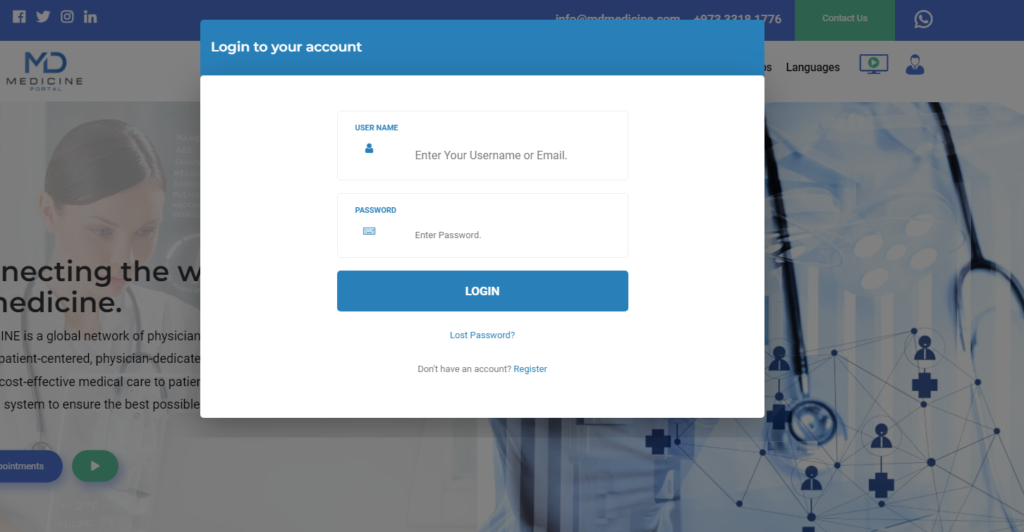
To login, the user should click on the option *Profile Icon* and click on “Login”, a login form will appear: Fill his Email and password

Navigate to Dashboard #
After login please click the icon “Profile” and Open dashboard.
Dashboard Menus #
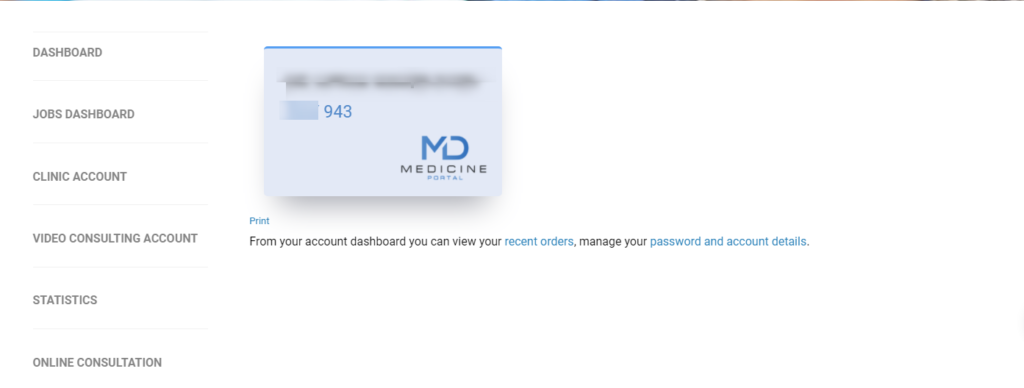
- Dashboard. (Your MDMEDICINE Card)
- Jobs Dashboard (Jobs related Sections.)
- Clinic Account (Price, Scjedule, Holidays, Appointments)
- Video Consulting Account (Price, Scjedule, Holidays, Appointments)
- Statistics. (Consultations Statistics)
- Online Consultation (For Taking Appointments with Other Physician)