How to Open #
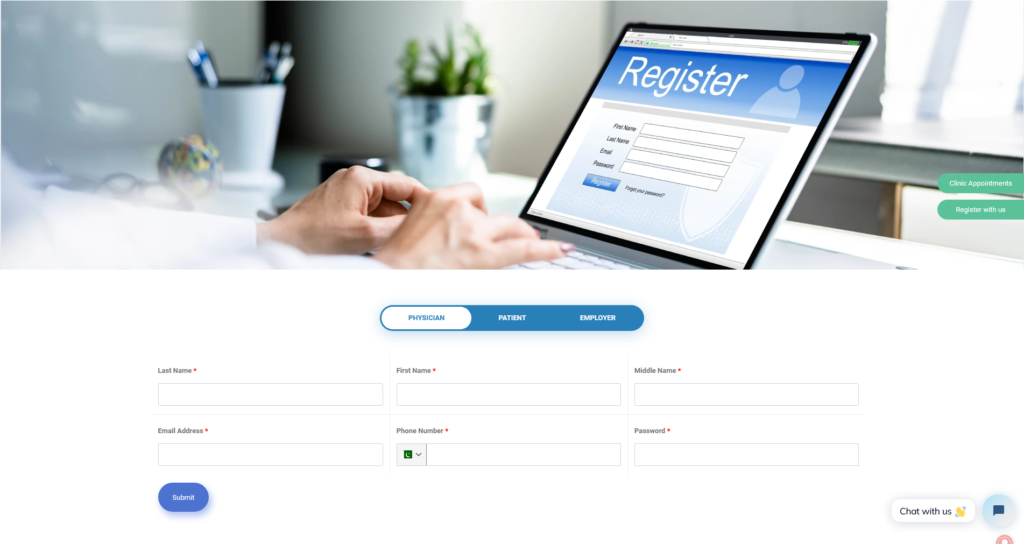
To apply, the user should click on the option *Register with us* by clicking, a registration page will be open. For the registration as a Physician user has to fill all the required fields such as:
Last Name,
First Name,
Email
Phone Number
Password
Required fields are marled as “*”

Fields Required #
Last Name, First Name, Email Phone Number and Password are required.
Date Saved #
The user will be registered as a Physician in the system will be logged in automatically. Where he can complete his profile setup. See here for details. The user can also be logged in as Job Seeker as well.
Login & Profile Completion #
Physician will be logged in with password he entered automatically. He will be notified via email. In next Screen he needs to Complete his Bio, Education, Experince and Other necessary information so that his Profile will be listed on MDMEDICINE.
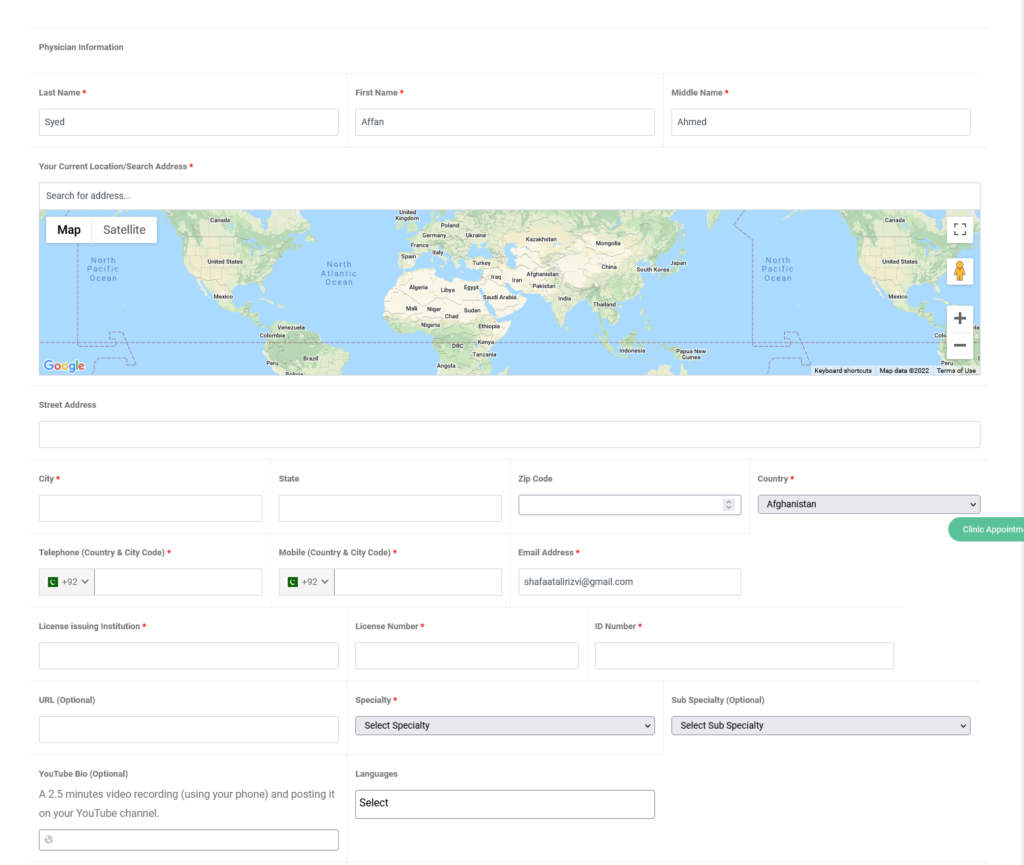
User Registration will be notified to a specified email which will be listed below. Physician Profile will be pending until approved by administration.


