My Account -> Online Consultation #
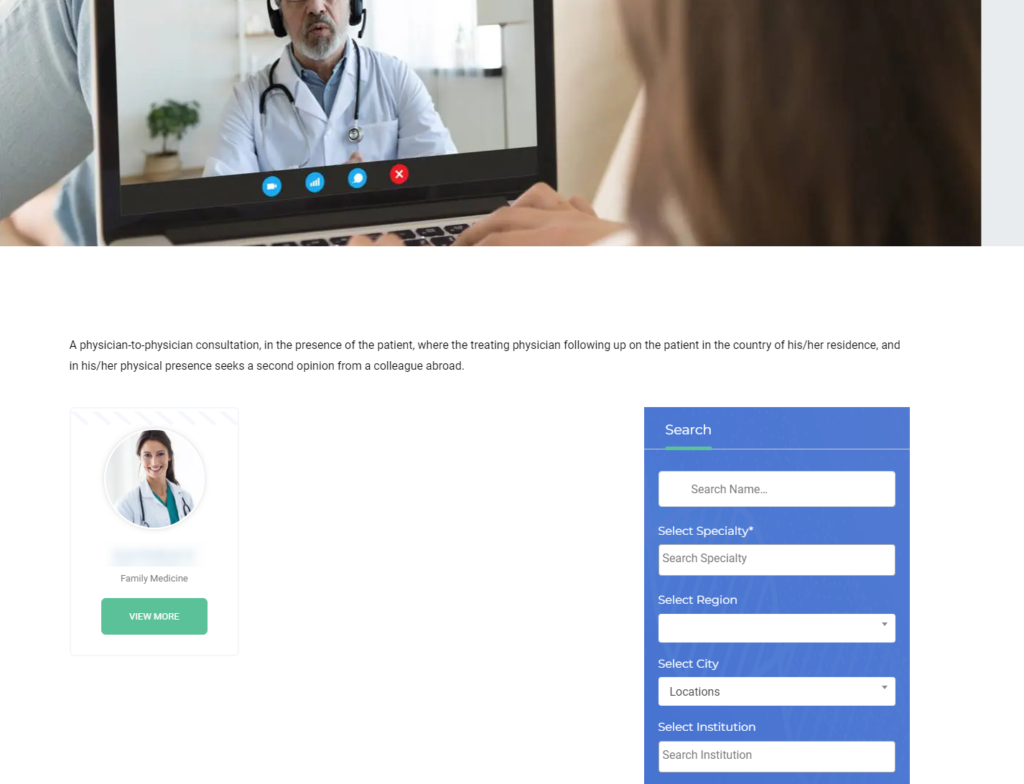
It will give you the list of physicians in which you can book the appointment as well for 2nd Opinion. You can see the Physician profile by View More.
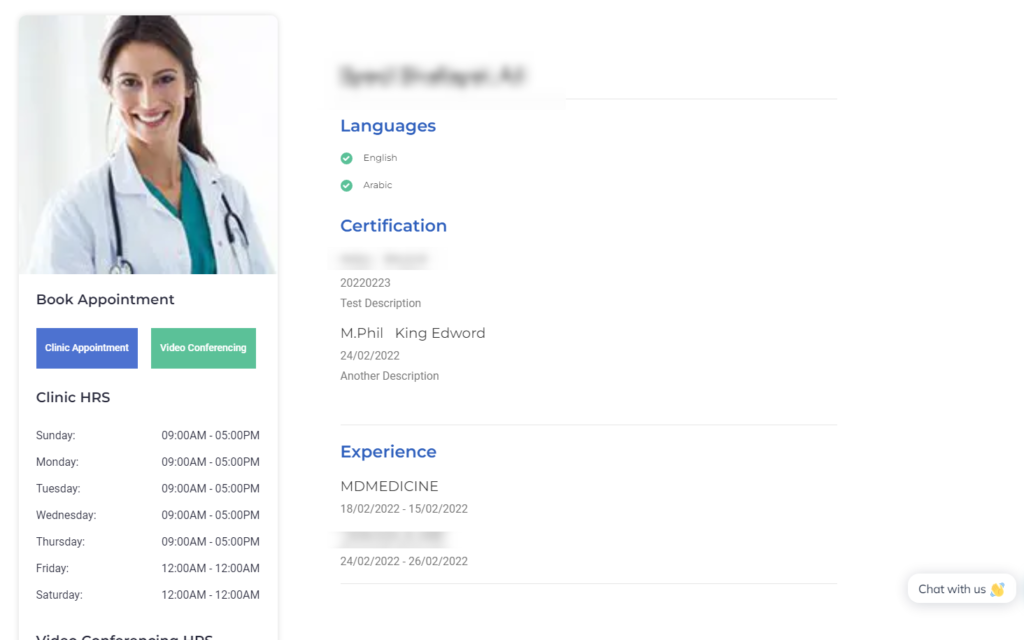
You can check your Profile and the Appointment hrs of the Physician. Click Video Conferencing to Open Booking calendar according to Physician Schedule.
#

1. Choose Doctor #
You can Filter the doctors using “Specialty” and Others Search Criteria available on right.
2. View Profile #
Click view profile on Docrots list page. See his Education and Work History. Click Video Consultation for booking Appointment.
3. Appointment calendar #
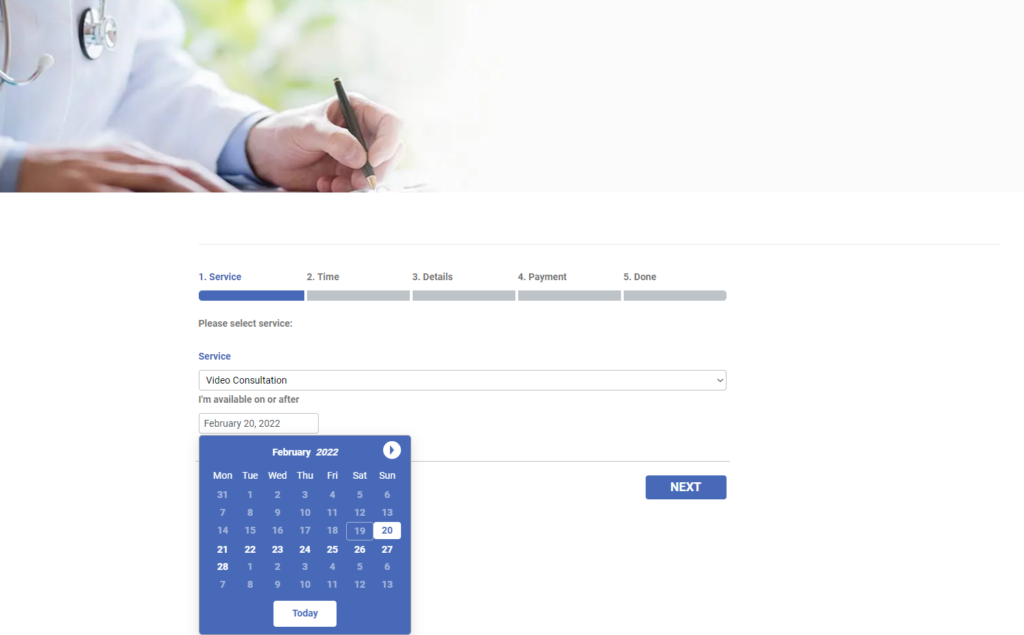
Select a suitable Date. Click Next
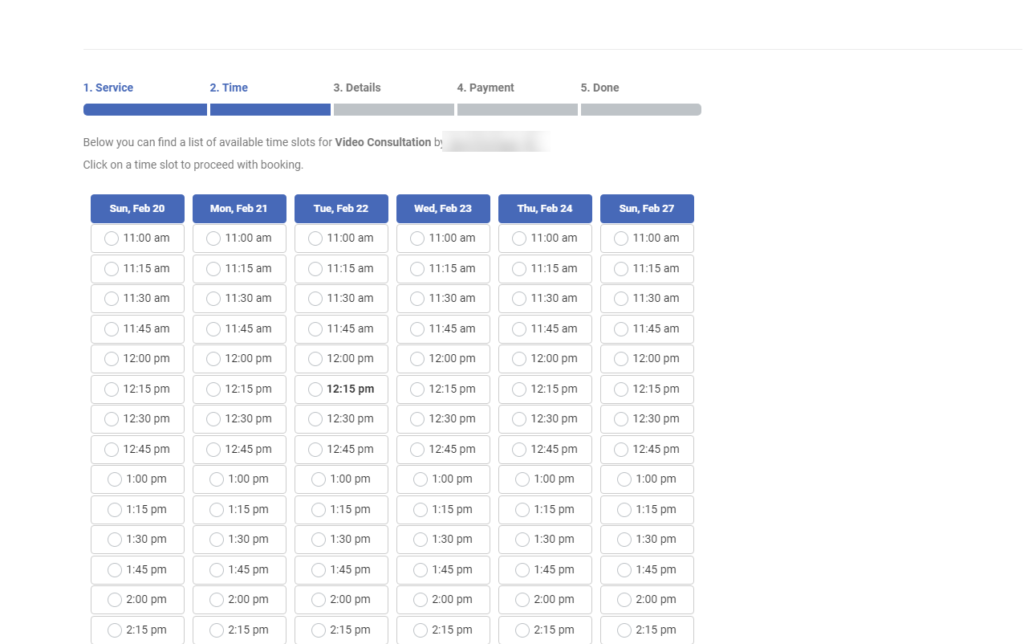
4. Time #
From the date, you choose Timeslot of physicians will be shown displayed. Please choose the appropriate one that suits you and Click next.
5. Payment #
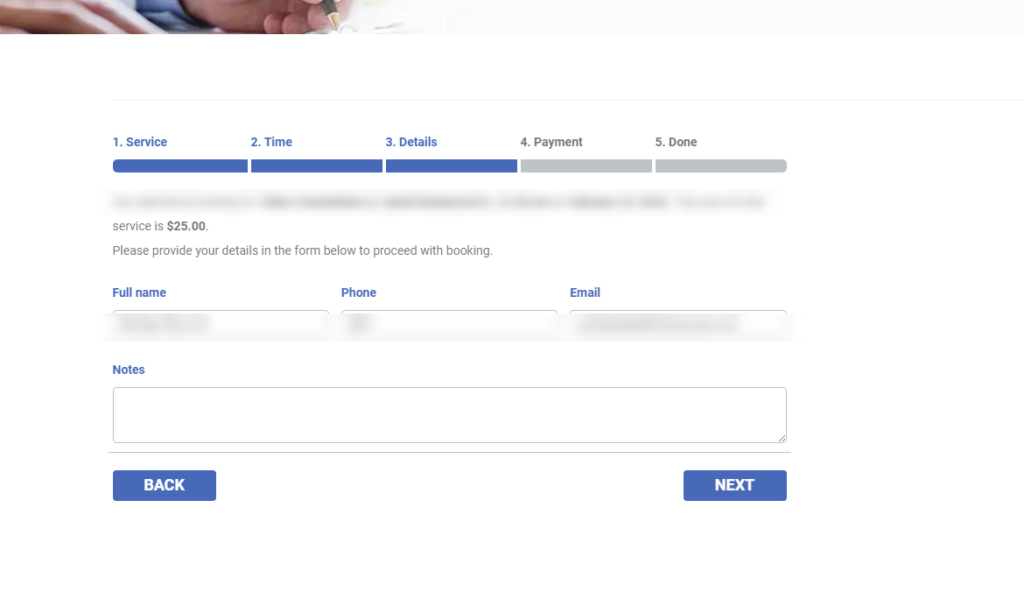
t will redirect to Checkout and You can fill in necessary details and make Payment